

What RollXO offers on a phone
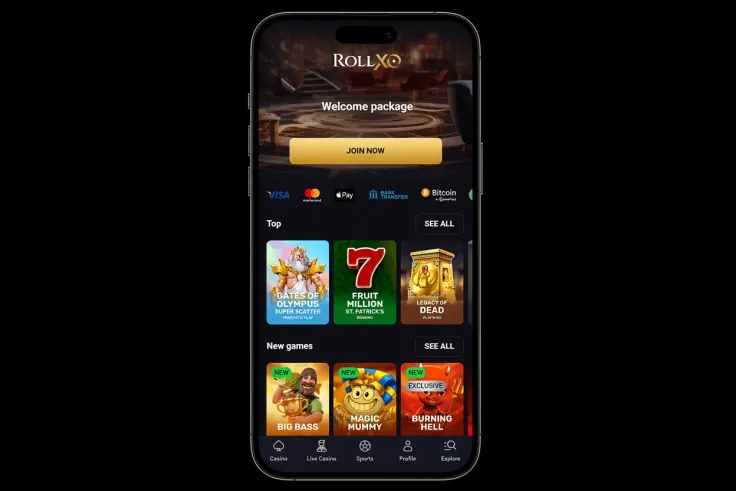
The way to use RollXO on a phone is the mobile site. You open your phone's browser, go to the RollXO website, and log in or register. There is nothing to download or install, and nothing to update. The mobile version page explains what that means in practice, including how to add a shortcut to your home screen for one-tap access.
The iPhone and Android pages cover each platform separately. The iPhone app page and the Android app page each say the same thing for their platform: there is no native app, and the mobile site is the option. They are there so that you do not need to guess which platform has what.
The live casino is part of the RollXO range, and the games come from providers such as NetEnt, Pragmatic Play, Playtech, Evolution Gaming, Nolimit City, Hacksaw Gaming, Play'n GO, BGaming and Betsoft. You reach them through the mobile site in the same way as on a computer, by logging in to your own account and choosing a game.
The mobile site relies on your browser and your connection. A modern browser, a stable connection and some free memory on your phone are what make it run smoothly. If a page is slow, closing other tabs and reloading is the first thing to try.
Your account works the same way whatever device you use. Verification is required at RollXO, so identity documents are part of the account whether you registered on a phone or a computer, and it helps to keep clear photos of them ready. Support is available 24/7, through live chat and by email, so you can reach support from your phone as well. The withdrawal times are Crypto up to 1 hour; e-wallets up to 24 hours; cards 1–5 days; bank transfer 3–7 days, and they depend on the payment method rather than on the device you use.
The payment methods are Visa, Mastercard, Bank transfer, MiFinity, eZeeWallet, Bitcoin, Ethereum, Tether, Litecoin, Dogecoin, Apple Pay, Google Pay, Skrill, Neteller, Paysafecard, Neosurf and POLi. Which of them are marked for deposits and which for withdrawals is shown on the pages about those subjects, and it is worth checking there before you pay in.
How the app pages differ
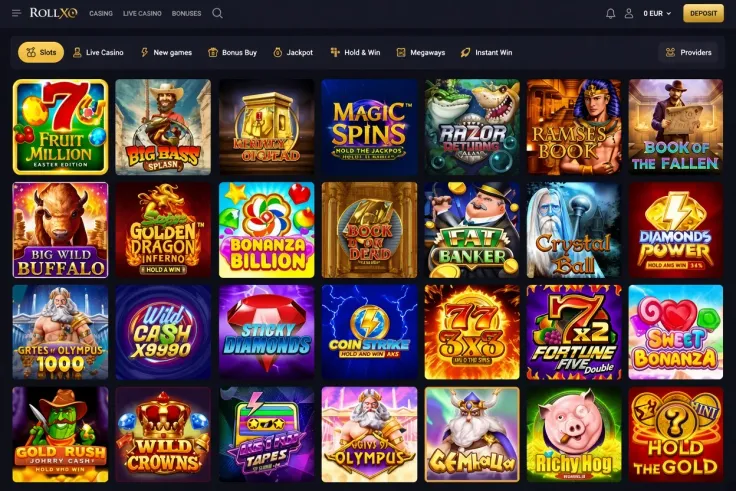
The three pages answer three different searches, and the answers are close to each other.
The mobile version page is the main one. It covers how the site works in a phone browser, what changes compared with a computer, and the practical side of playing on a phone: security and mobile data.
The iPhone page is for readers who use an iPhone and want to know whether there is an app for it. There is not, and the page says what to do instead. The Android page does the same for Android phones.
None of the three pages asks you to do anything that the others do not. They differ in the question they answer, so pick the one that matches your question, and you will end up at the same answer: use the mobile site. If you read more than one, you will see the same facts repeated, because the situation is the same on each platform, and that consistency is a useful check that you have the right picture.
If you only need the headline, it is this: no app on either platform, mobile site on both.
A shortcut on the home screen can look like an app, and that is the one place where the two are easy to confuse. It is a link to the RollXO mobile site that sits among your apps. It does not install anything and does not add features.
18+ · T&Cs apply
Where to start

If you are on a phone, start with the mobile version page. It covers the setup and the practical points in one place.
For one-tap access, the home screen shortcut gives you that. To find out whether RollXO has an app, the answer is no, and the platform pages confirm it for iPhone and Android.
If you are on a computer, you can use the website directly. Everything described for the mobile site is the same casino and the same account.
Practical advice for phone play

Be careful with anything that claims to be a RollXO app. Since there is no native app, a file, a link or a store listing that says otherwise is not from the casino. Do not install apps from unknown sources, and enter your password only on the RollXO website that you opened yourself.
Protect the phone itself with a screen lock, and sign out if anyone else uses the device. Live games stream video, so check whether you are on Wi-Fi or mobile data before you open one.
Set your limits before you play. Gambling is entertainment that costs money, and a phone makes it easy to open the site at any time. If the account offers deposit limits or time-outs, use them, and read the safer gambling page for how they work.