
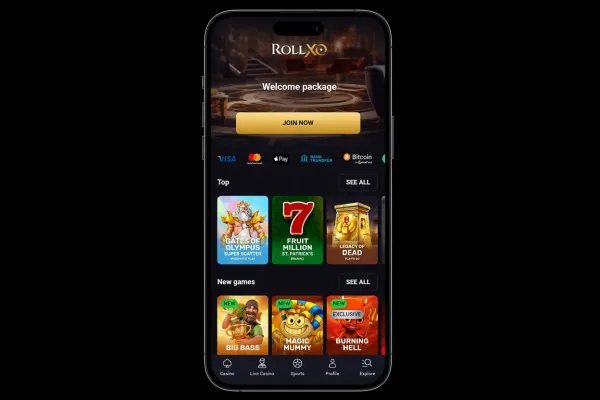
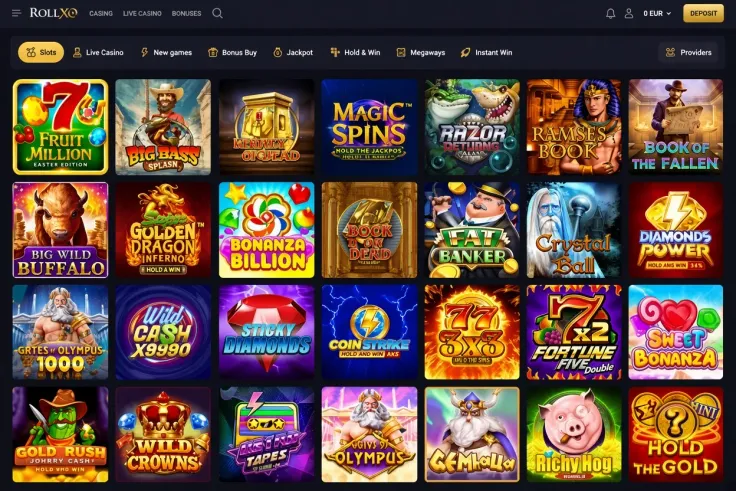
RollXO has no Android app. On an Android phone you play in the browser, and there is nothing to download or install. The steps above show how to open the site and how to put a shortcut on your home screen, and this page covers what to expect and what to watch for.
What you can do on an Android phone

Everything you do at RollXO on Android happens in the browser. You open the RollXO website, log in to your account or create one, and use the casino from there. The live casino is part of the RollXO range, so live games are open to you through the browser as well.
The experience differs from a computer in how you use it rather than in what you can reach. You work with taps and swipes on a smaller screen, and you can turn the phone sideways for a wider view of a game. Your account is your own RollXO account in either case.
There are no exclusive Android features to describe, because there is no Android app. What you have is the mobile site, and the mobile version page explains it in more detail. If you are comparing platforms, the iPhone app page says the same for iPhone, and the app page gives the overview.
Why there is nothing to install

An app installs from a store and sits among your apps as a separate piece of software. RollXO has none for Android, so there is no store listing to look for and no file to download. The browser is the whole route.
The one thing that resembles an app is the home screen shortcut described in the steps above. It is a link to the mobile site that opens in one tap, and it does not install anything or add features. If you remove it, your account is not affected.
Be careful with anything that claims otherwise. A message, an advert or a website that offers a RollXO app for Android is not offering something that the casino has. Do not install apps from unknown sources: a file from an unknown source can harm your phone and put your details at risk. Use the browser, and enter your password only on the RollXO website that you opened yourself.
If you want to start, the pages on logging in and signing up cover the account steps, and the welcome bonus page covers the offer for new accounts. T&Cs apply to the offer, so read its terms before you deposit.
Practical points for Android

Set a screen lock on the phone, and sign out when you finish if anyone else uses the device. Use a password that you use nowhere else.
Live games stream video, which uses more mobile data than browsing. Check whether you are on Wi-Fi or a mobile plan before you open one, and avoid public Wi-Fi when you sign in to an account that holds money.
Keep your browser up to date, because the site runs inside it. If a page loads slowly, close other tabs and reload.
Gambling is entertainment that costs money. If the account offers deposit limits or time-outs, set them before you play, and read the safer gambling page for how they work.